PPID in Google Ad Manager: a first-party ID done carefully
The publisher provided identifier lets you send Google your own ID for a reader, so frequency caps and audiences work without third-party cookies. What Google requires, who sees it, the consent rules we follow, and code that sets it only when it should.
On this page
- What we saw
- What PPID in Google Ad Manager requires
- Who receives the PPID
- The code
- Mistakes we see
- How VisionForgeX handles this
- Frequently asked questions
- What is a PPID in Google Ad Manager?
- Is PPID available in the free version of Google Ad Manager?
- How long should a PPID be?
- Does Google share my PPID with other buyers?
- Do I need consent to send a PPID?
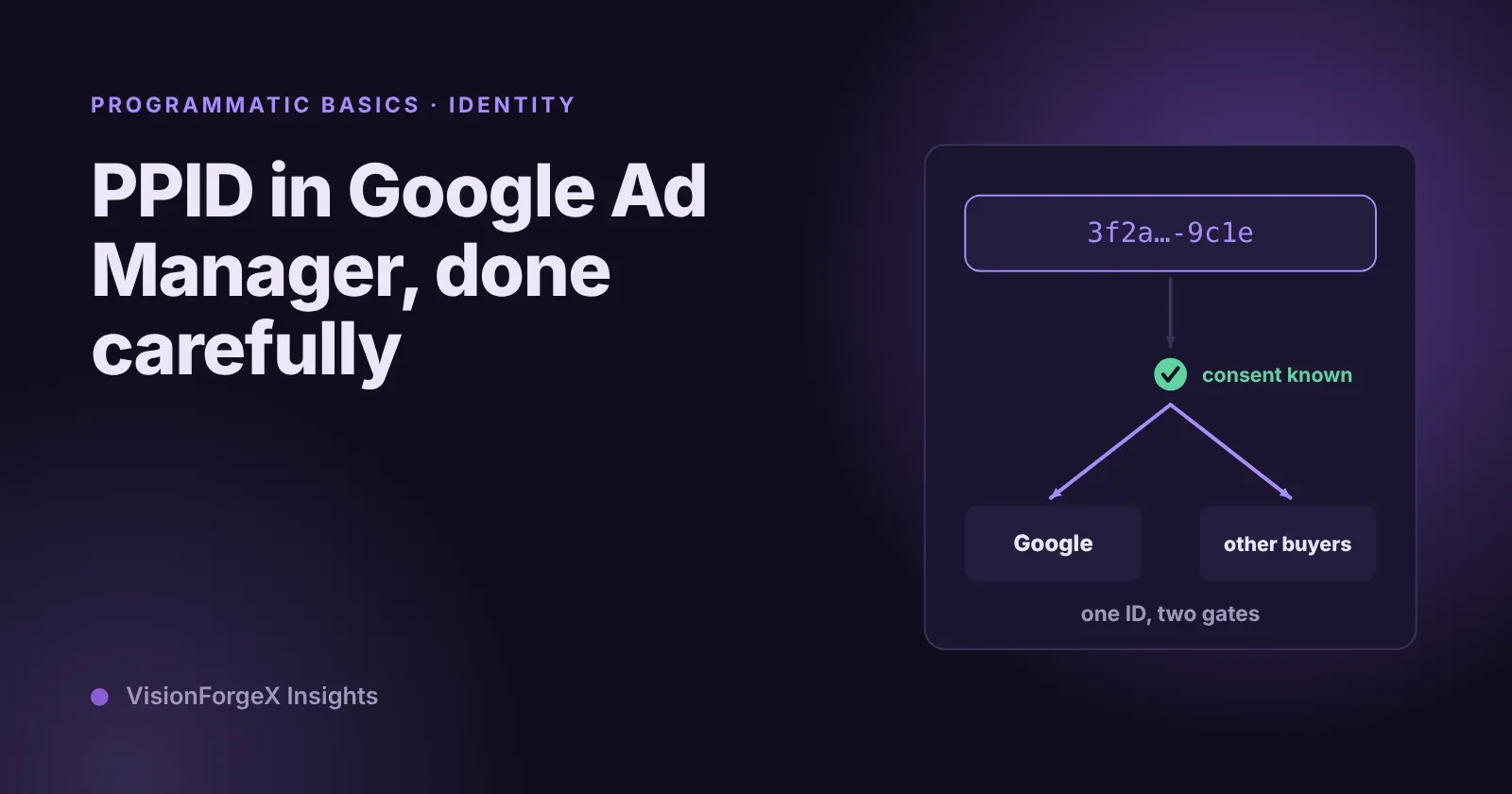
A PPID in Google Ad Manager is an identifier you choose for each reader and send with every ad request, so Google can cap how often a reader sees an ad, build audiences and rotate creatives across visits without relying on third-party cookies. It must be a value that means nothing to Google, such as a random ID you keep in the reader's browser, and it is set with one call in the Google Publisher Tag before any ad is requested. Getting it right is mostly about consent and timing, not code.
This guide covers what Google requires, where the ID goes, the consent rules we follow, and code that sets it only when it should. It is for publishers on Ad Manager or Ad Exchange who want their first-party data to count.
What we saw
We added PPID to our tag on 12 Nov 2026, as part of one feature that gives Google, Prebid partners and our own exchange's buyers the same reader ID. Building it, three decisions took longer than the code.
One ID for everyone. We use one random UUID per reader, kept in the reader's browser for a year, in the same format and under the same name as Prebid's SharedID. Google receives it as the PPID and header bidding partners receive the same value, so every buyer sees the same reader rather than three unrelated IDs. A reader who already has the ID keeps it: Google's page warns that changing how IDs are generated resets frequency capping and audiences.
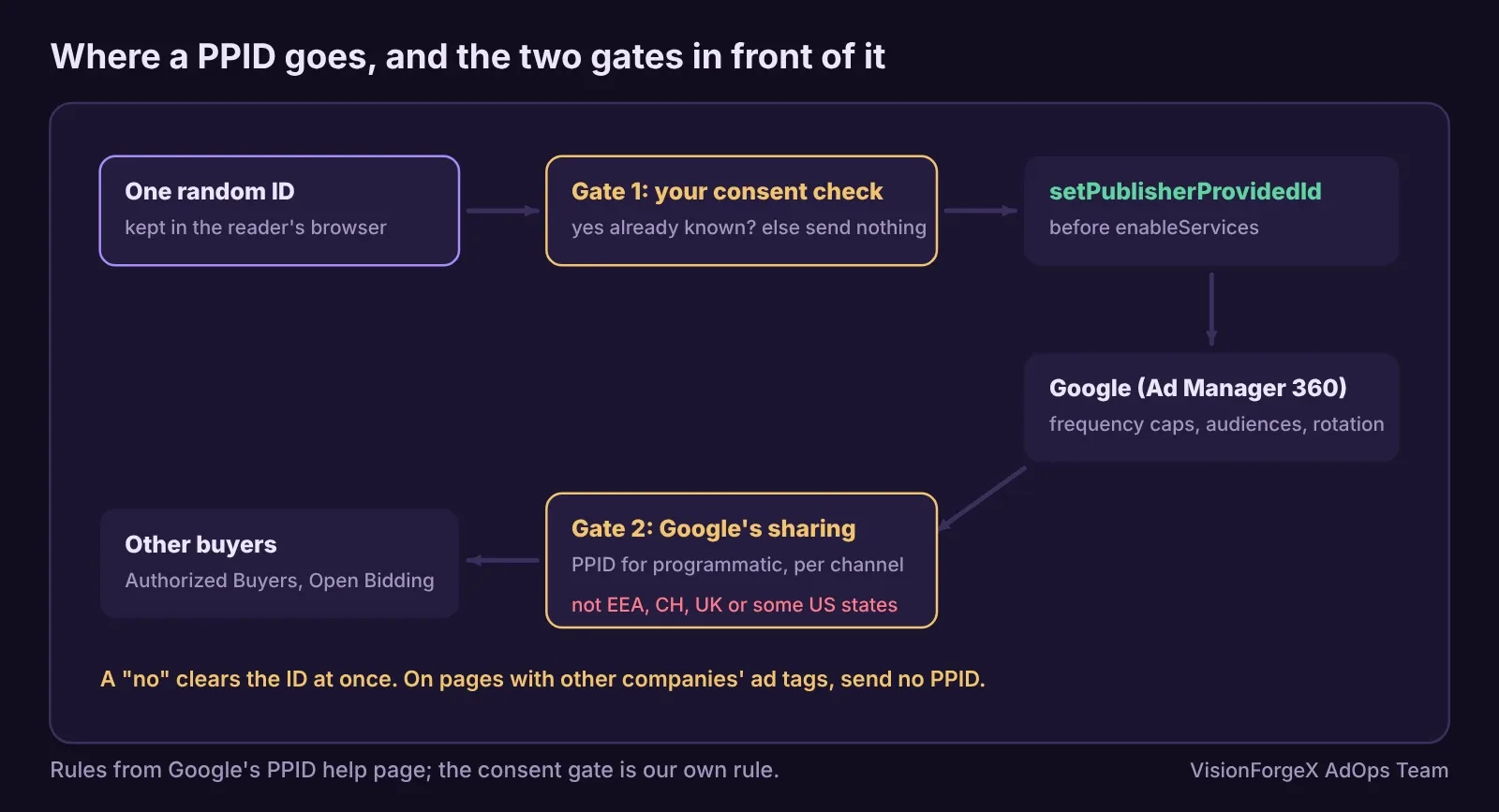
The ID cannot wait for a consent banner. Google wants the PPID set before the first ad request. A consent banner often answers a second or two later. So our tag sets the PPID only when the reader's "yes" is already known, either from an earlier page (we keep a 30-day note of it) or because the banner answered before Google's set-up ran. A "no", Global Privacy Control or a US opt-out removes the note, and the ID stops at once.
Some pages are shared. The PPID applies to the whole page. On a page that also runs another company's ad tags, our ID would go out with their requests too, so the tag does not set a PPID on such pages at all.
What PPID in Google Ad Manager requires
Google's publisher provided identifiers page sets the rules:
- PPID is listed as a Google Ad Manager 360 feature; you ask your account manager to activate it.
- The value is 22 to 150 characters, letters and digits or a UUID, and must be "hashed or encrypted" so it is meaningless to Google. A random UUID meets that by design, and never use an e-mail address or user name directly.
- Send it only when you can recognise the reader across more than one session, and do not change how you generate it.
- If a reader opts out of PPID use or deletes their account, stop sending it immediately. Readers must have a way to opt out.
- Where Google knows a reader has opted out of personalised ads, PPID targeting is turned off for that browser.
In the Google Publisher Tag, the call is googletag.pubads().setPublisherProvidedId(id), made before googletag.enableServices(). The tag reference gives the same 22 to 150 character rule.
Who receives the PPID
Setting the PPID sends it to Google with your ad requests. Sharing it with programmatic buyers is a second switch: in Ad Manager, Signals, Demand channel settings, Publisher data sharing, "Publisher provided identifiers (PPID) for programmatic", turned on per demand channel. Google then converts it into a per-publisher ID for Google's own demand and passes it as received to third-party demand such as Authorized Buyers and Open Bidding.
There is a geographic limit. Google's page says PPID for non-Google demand is only available outside the EEA, Switzerland and the UK, and outside the US states with comprehensive privacy laws (it lists them). Inside those areas Google still receives your PPID; other buyers do not.
The code
This keeps one random ID per reader, sets it as the PPID only when consent is already known, and removes it when the reader says no. How you learn about consent depends on your banner; here it is a function you provide.
// One first-party ID per reader, sent as the PPID only when consent is already known.
const KEY = 'reader_id';
function readerId(consent) {                      // consent: true, false or null (not known yet)
  try {
    if (consent === false) { localStorage.removeItem(KEY); return null; }   // a no: forget the ID at once
    if (consent !== true) return null;            // unknown: send nothing on this page
    let id = localStorage.getItem(KEY);
    if (!/^[0-9a-f-]{36}$/.test(id || '')) {      // keep an existing ID; changing it resets caps and audiences
      id = crypto.randomUUID();
      localStorage.setItem(KEY, id);
    }
    return id;
  } catch (e) { return null; }                    // storage blocked: no ID
}
googletag.cmd.push(() => {
  const id = readerId(knownConsent());            // your banner's answer, if it is already known
  if (id && id.length >= 22 && id.length <= 150) {
    googletag.pubads().setPublisherProvidedId(id); // before enableServices and before any ad request
  }
  googletag.enableServices();
});
knownConsent() is yours to write: return true only when your banner or an earlier page recorded a yes, false for a no, and null when the answer is not in yet. On pages with other companies' ad tags, skip the PPID entirely.
How to check it worked: in the browser console, localStorage.getItem('reader_id') should hold the ID after a yes and be empty after a no. Google's Publisher Console (run googletag.openConsole(), as in our checklist for ads not showing) shows each page request. In Ad Manager, the PPID status dimension shows how many requests arrived with the ID "Present" or "Missing", which is the check that matters.
We ran this code in a headless browser against a stand-in googletag: the PPID is set before enableServices only with a known yes, the same ID is reused on the next page, a no removes it, unknown consent sends nothing, and blocked storage does not throw. We have not run it against live Google ads or confirmed delivery in a live Ad Manager 360 network.
What it does not do: it does not ask for consent or decide whether your banner's answer covers this use; that is your consent tool and your privacy policy, which should mention the identifier. It does not turn on sharing with programmatic buyers, which is the Ad Manager setting above.
Mistakes we see
- A raw e-mail or user ID as the PPID. Google requires a value that is meaningless to it. Use a random ID, or hash your own.
- Setting it after the first ad request. The first requests go out without it. Call it before
enableServices, as Google's page says. - A new ID on every visit. It looks like a new reader every time and breaks frequency caps. Keep the ID.
- Sending it after a no. Google's page requires you to stop immediately. Clear the stored ID on any refusal.
- Expecting buyers in Europe to see it. Non-Google demand there does not receive the PPID. Measure where it can work.
- Assuming it raises revenue. It can, through better frequency caps and audiences, but measure it: our feature keeps a comparison group without the ID, the same way our floor tests compare like with like.
How VisionForgeX handles this
User IDs for buyers is a per-site switch in our platform: the same random ID goes to Google as the PPID, to Prebid partners and to our exchange's buyers, only with known consent, never on pages with other companies' ad tags, and its effect is measured against a group of readers without it. The Ad Manager 360 activation and the sharing setting are yours to request and switch on. For the other side of targeting, page-level signals, read our guide to Google Ad Manager key-values.
Frequently asked questions
What is a PPID in Google Ad Manager?
A publisher provided identifier: your own ID for a reader, sent with each ad request so Google can apply frequency caps, audiences and creative rotation across visits without third-party cookies.
Is PPID available in the free version of Google Ad Manager?
Google's help page lists it as a Google Ad Manager 360 feature, activated by your account manager.
How long should a PPID be?
Between 22 and 150 characters. A random UUID, 36 characters, fits and is meaningless to Google, as the rules require.
Does Google share my PPID with other buyers?
Only if you turn on PPID for programmatic in the demand channel settings, and then only outside the EEA, Switzerland, the UK and US states with comprehensive privacy laws.
Do I need consent to send a PPID?
Where consent rules apply to identifiers in the browser, yes. Google also requires you to stop sending it immediately when a reader opts out. Ask your legal adviser what your banner must cover.
Read next
More on Programmatic basics → Ad formats and placements
Web interstitial ads: triggers, frequency caps and #google_vignette
A web interstitial is the full-screen ad Google shows when a reader moves between pages or comes back to a tab. Which triggers exist, how the frequency cap works, code that sets them, and why the address of your page suddenly ends in #google_vignette.
 Ad formats and placements
Rewarded ads for web: how they work, the rules, and the code
A rewarded ad on a website is one the reader chooses to watch in exchange for something you give them. What Google requires, what you have to build yourself, working Google Publisher Tag code, and the counting mistake we made.
 Yield and revenue optimization
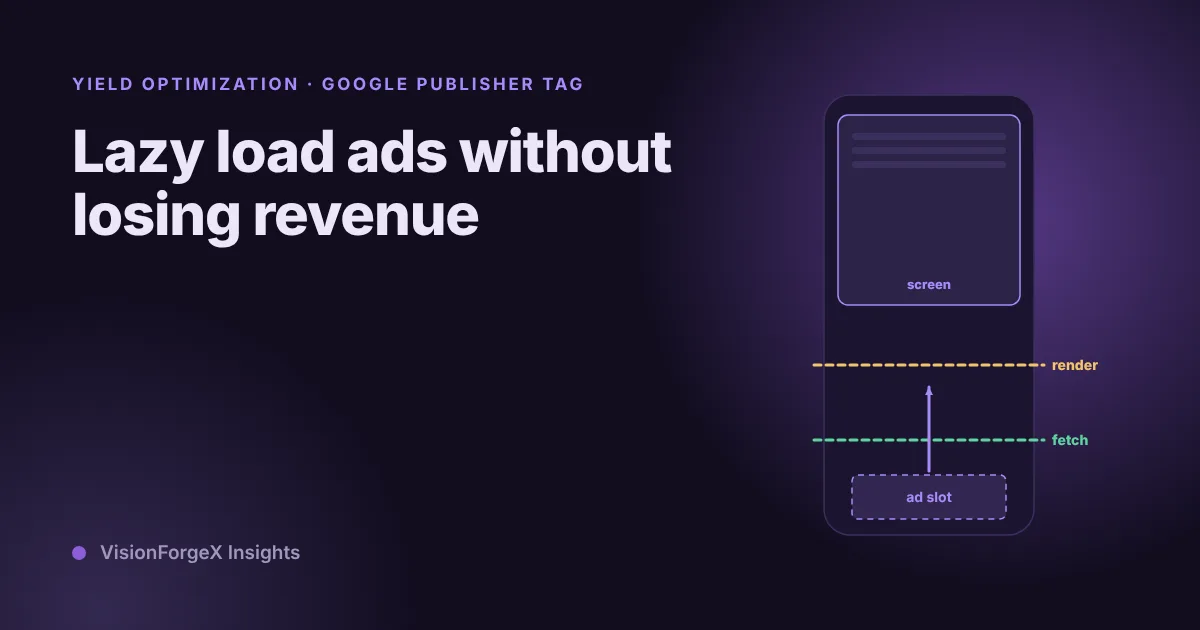
Lazy load ads without losing revenue: how far ahead to start
Lazy loading stops the page asking for ads nobody will see, and it can also cost you ads that were about to be seen. The settings, a way to test three distances on your own pages, and what to measure.