Rewarded ads for web: how they work, the rules, and the code
A rewarded ad on a website is one the reader chooses to watch in exchange for something you give them. What Google requires, what you have to build yourself, working Google Publisher Tag code, and the counting mistake we made.
On this page
- What we saw
- Google's rules for rewarded ads on websites
- How a rewarded ad works on the page
- The code
- Mistakes we see
- How VisionForgeX handles this
- Frequently asked questions
- Do rewarded ads work on desktop websites?
- Can I give money or gift cards as a reward?
- Why does defineOutOfPageSlot return null for a rewarded ad?
- When is a rewarded ad impression counted?
- Can I put content behind a rewarded ad?
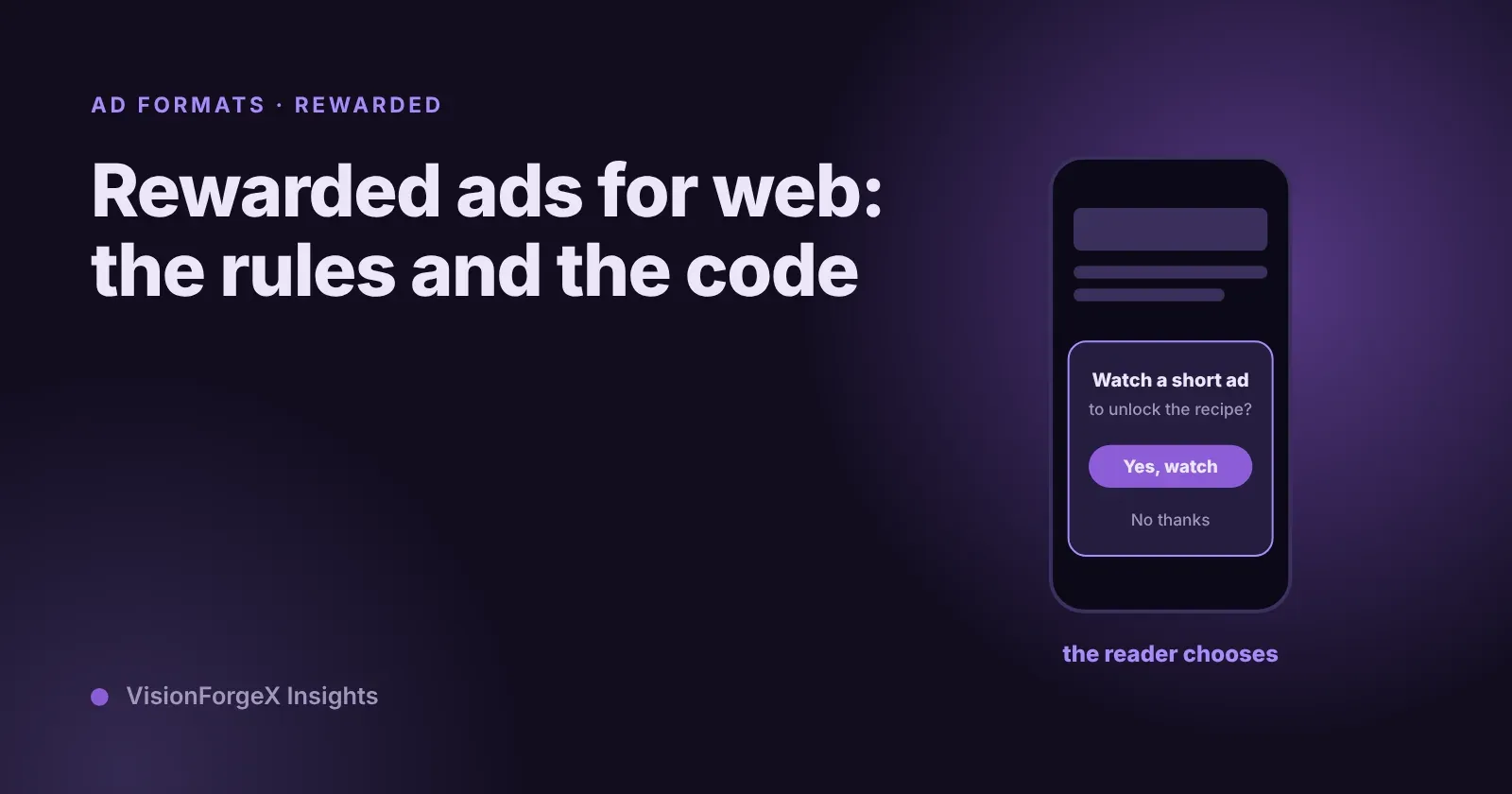
Rewarded ads for web are ads a reader chooses to watch in exchange for something you give them on your site: the rest of a recipe, a download, an extra try at a quiz. Google's Ad Manager serves them through the Google Publisher Tag, but you build the offer screen, you decide the reward and you deliver it. Done well, they earn well and annoy nobody, because the reader asked for the ad.
This guide covers Google's requirements and policies, the code to show one, and how to count them correctly, which we got wrong at first. It is for publishers who use Ad Manager or Ad Exchange on their own pages.
What we saw
Our tag has offered rewarded ads to the sites we serve for a while, and two lessons came from running it.
Ask early, or the reader waits. A rewarded ad is mostly video and can take seconds to arrive. If you ask for it only when the reader taps "Watch", they sit in front of a blank screen. Our tag asks for the ad as soon as the page loads, so it is usually ready by the time anyone taps. If it is not, the tag shows a loading screen and waits up to 15 seconds, then tells the reader that no ad is available rather than leaving them stuck.
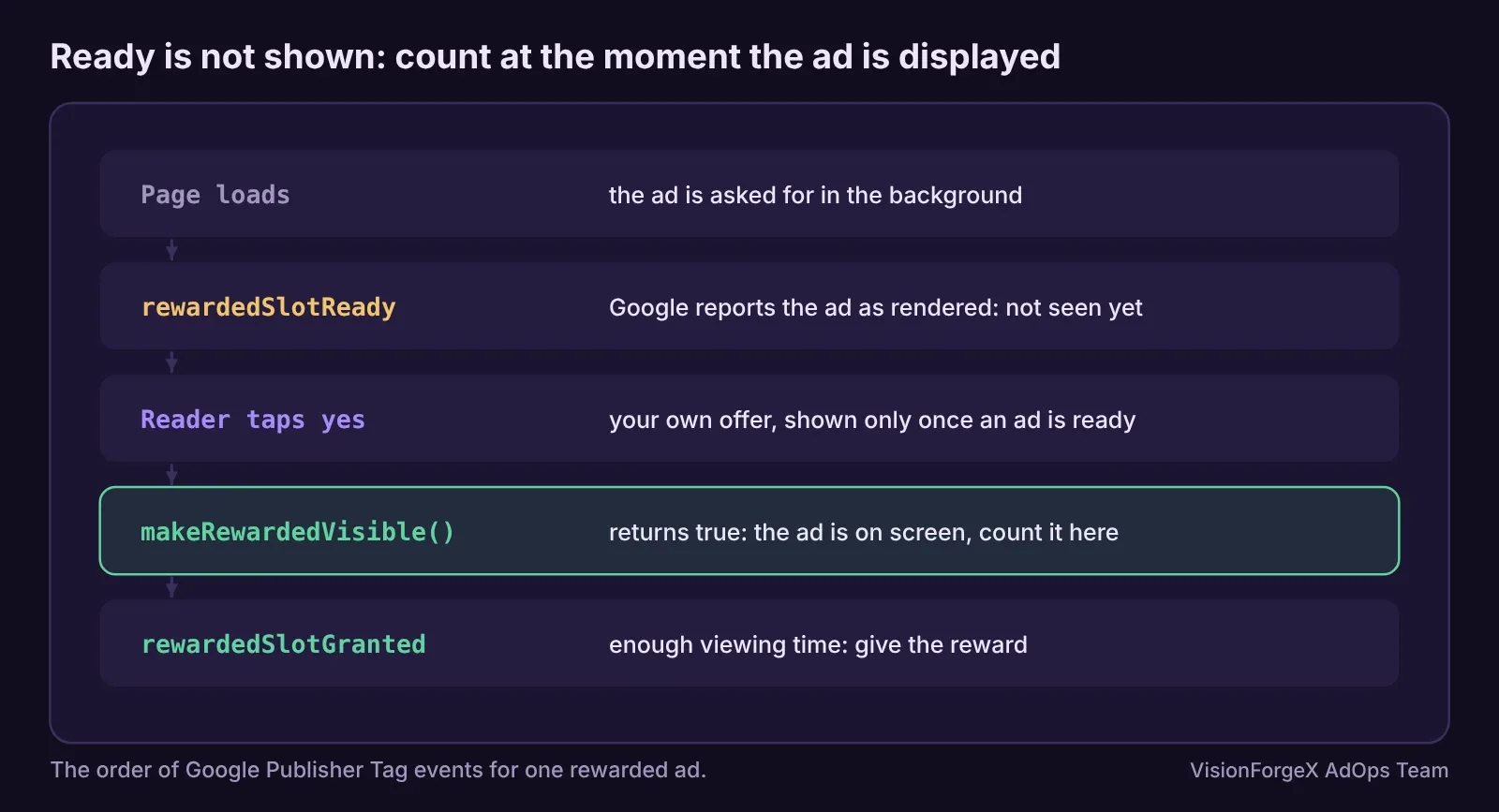
Ready is not shown. On 13 Nov 2026 our traffic report for the day before showed far more rewarded and interstitial ads than Google had counted on one site that uses both formats: 31,292 ads in our count against 19,666 impressions in Google's. The cause: Google's tag reports a rewarded ad as rendered when it is fetched and ready, on every page, whether or not the reader ever chooses to watch it. Google counts the impression only when the ad is displayed. Since tag 1.47.0 we count a rewarded ad only when the call that shows it says it was shown. If you build your own reporting on top of Google's events, this is the trap to avoid.
Google's rules for rewarded ads on websites
Google's rewarded ads for web page sets the frame:
- They run on desktop, mobile and tablet web inventory. Mobile pages need to be mobile-optimized (a
viewportmeta tag). - The reader voluntarily opts in. You are responsible for creating and showing the screen where they do, and for delivering the reward.
- The opt-in can sit at a paywall, Google's own example for news.
- Rewarded ads fill from both video and display demand by default.
- An impression counts when the ad displays. The ad must be in view for at least 7 seconds before a reward can be granted.
- Do not request several rewarded ads at once, and do not show a rewarded offer for an ad that is not rewarded.
The policies for ad units that offer rewards add what the offer may say and give:
| Allowed | Not allowed |
|---|---|
| Items used only on your own site or app, not transferable | Cash, cryptocurrency, gift cards, anything of direct monetary value |
| Discounts on physical goods, up to 25% of the item's value | Items that can be passed to another person |
| Random rewards, if the odds are shown and are above zero | Wording that pressures, such as "watch this to support us" |
The offer must say clearly what the reader has to do and what they get, and saying no or skipping must never get in the way of using the site.
How a rewarded ad works on the page
You define a special slot with googletag.defineOutOfPageSlot(path, googletag.enums.OutOfPageFormat.REWARDED). There is no <div> to place: Google creates the container when an ad fills. On a page that does not support the format the call returns null, so check for it.
Google then fires events on the slot: rewardedSlotReady when an ad is ready, rewardedSlotGranted when the reader has earned the reward, and rewardedSlotClosed when they close it (which may come before or after the reward). The ready event carries makeRewardedVisible(), which shows the ad and, according to the Google Publisher Tag reference, returns whether the ad was successfully displayed. Call it only after the reader has said yes.
The code
This shows a rewarded ad behind a button, asks for it in the background, and keeps its own count of ads really shown. Replace the ad unit path with yours.
// A rewarded ad behind a "Watch to unlock" button. The offer only appears once an ad is ready.
let ready = null, shown = 0;
googletag.cmd.push(() => {
  const slot = googletag.defineOutOfPageSlot('/1234567/rewarded', googletag.enums.OutOfPageFormat.REWARDED);
  if (!slot) return;                                         // this page does not support the format: offer nothing
  slot.addService(googletag.pubads());
  googletag.pubads().addEventListener('rewardedSlotReady', (e) => {
    if (e.slot !== slot) return;
    ready = e;
    document.getElementById('unlock-offer').hidden = false;  // show the offer only when we can keep it
  });
  googletag.pubads().addEventListener('rewardedSlotGranted', (e) => {
    if (e.slot === slot) unlockContent();                    // your reward, granted by you
  });
  googletag.pubads().addEventListener('rewardedSlotClosed', (e) => {
    if (e.slot !== slot) return;
    document.getElementById('unlock-offer').hidden = true;
    googletag.destroySlots([slot]);                          // one ad per slot; define a new one for another offer
  });
  googletag.enableServices();
  googletag.display(slot);                                   // asks for the ad now, in the background
});
document.getElementById('unlock-yes').addEventListener('click', () => {
  if (ready && ready.makeRewardedVisible()) shown++;         // counted only when Google says it was displayed
});
The page needs a hidden offer box with an id of unlock-offer, a yes button with an id of unlock-yes, a no button that simply closes the box, and your own unlockContent() function.
How to check it worked: with the Google Publisher Console open, the rewarded slot appears as an out-of-page slot. In the browser console, shown should stay at 0 until you tap yes and the ad appears. In Ad Manager, Google's page suggests the Interaction type dimension to separate rewarded impressions in reports.
We ran this code in a headless browser against a stand-in googletag that fires the three events: the offer stays hidden until the ready event, a tap counts one ad only when the stand-in's makeRewardedVisible returns true, the reward runs only on the granted event, and a null slot shows no offer. We have not run it against live Google ads.
What it does not do: it does not decide your reward or enforce the policies; that is your offer screen and your words. It does not stop a reader from closing the ad early, which is why the reward waits for the granted event, never for the tap.
Mistakes we see
- Counting on "rendered". A ready rewarded ad is reported as rendered whether or not anyone watched it. Count when
makeRewardedVisible()returns true, as we learned. - Showing the offer before an ad is ready. The reader taps, and nothing happens. Show the offer on the ready event.
- Granting on the tap. The reader can close the ad at once. Grant on
rewardedSlotGranted. - A reward of money in disguise. Gift cards and transferable points are not allowed. Keep the reward inside your site.
- Pressure wording. "Support us by watching" is the kind of line the policy names. Say what they get.
- Refreshing a rewarded slot. Google's page says refresh is untested for this format. Define a new slot for the next offer.
How VisionForgeX handles this
Rewarded ads are a per-site format in our tag: the slot is asked for at page load, the offer's words and how often it appears are set per site, readers who decline carry on reading, and an ad is counted only when it was shown. The setup is described on our products page. For the other ad that covers the whole screen, read our article on layout shift caused by ads first, then the interstitial guide that follows this one.
Frequently asked questions
Do rewarded ads work on desktop websites?
Yes. Google's page says rewarded ads can run on desktop, mobile and tablet web inventory. On phones the page must be mobile-optimized, with a viewport meta tag.
Can I give money or gift cards as a reward?
No. Google's policy does not allow direct monetary rewards, including cash, cryptocurrency and gift cards, or anything the reader can transfer to someone else.
Why does defineOutOfPageSlot return null for a rewarded ad?
Because the page does not support the format, for example a page that is not mobile-optimized. Google documents this; check for null and show no offer.
When is a rewarded ad impression counted?
Google counts it when the ad is displayed. Your own count should do the same: when makeRewardedVisible returns true, not when the ad becomes ready.
Can I put content behind a rewarded ad?
Google's page gives a paywall as an example place for the opt-in. The policy requires that declining does not stop normal use of your site, so keep the rest of the site open to readers who say no.
Read next
More on Ad formats and placements →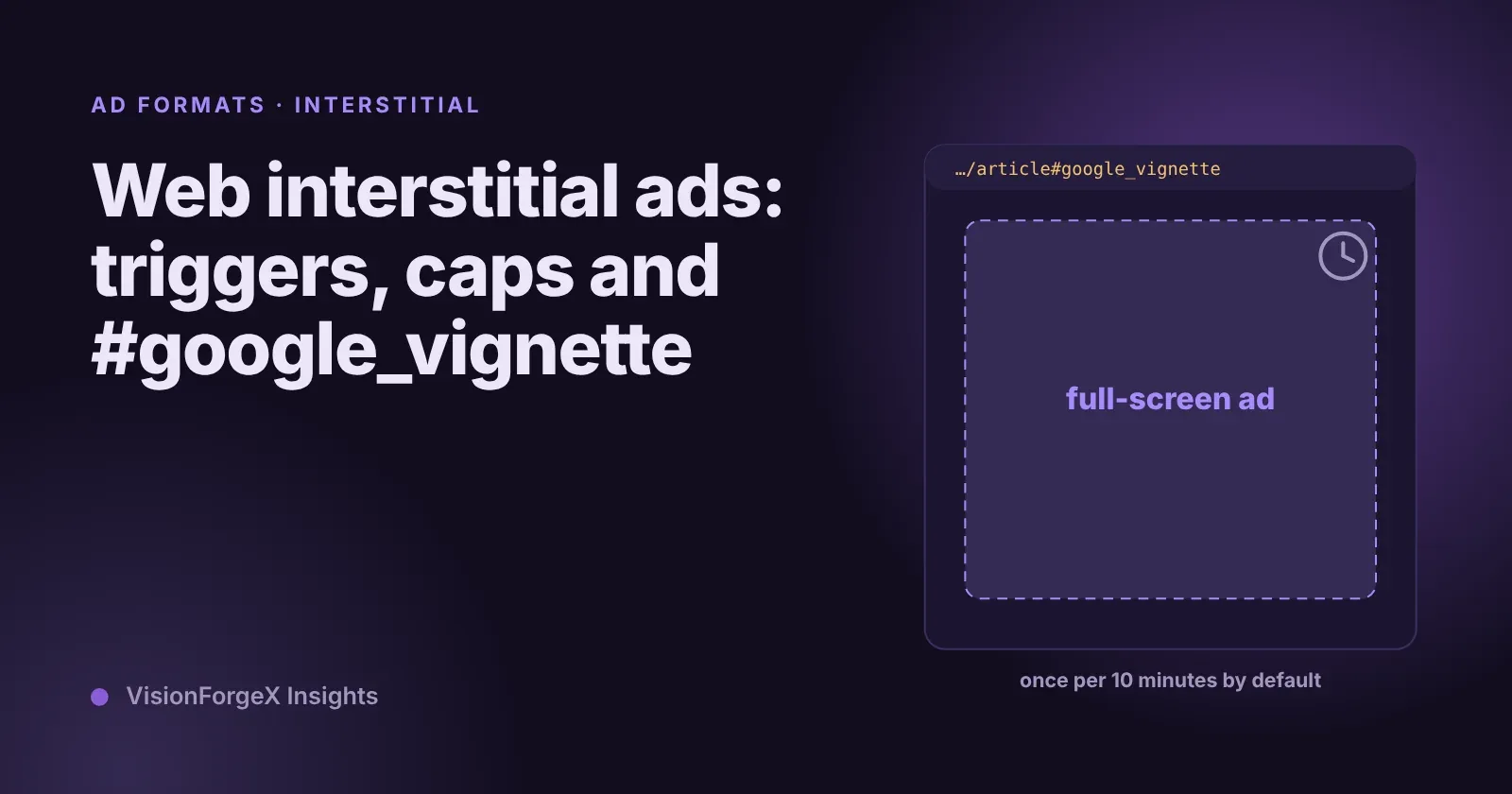 Ad formats and placements
Web interstitial ads: triggers, frequency caps and #google_vignette
A web interstitial is the full-screen ad Google shows when a reader moves between pages or comes back to a tab. Which triggers exist, how the frequency cap works, code that sets them, and why the address of your page suddenly ends in #google_vignette.
 Ad formats and placements
Ads inside cards, tables and headings: why it happens, how to stop it
Automatic ad placement loves a gap between two elements, and a card layout is full of gaps. Here is how we found ads inside cards on a real site, and the rules that keep them out.
 Programmatic basics
PPID in Google Ad Manager: a first-party ID done carefully
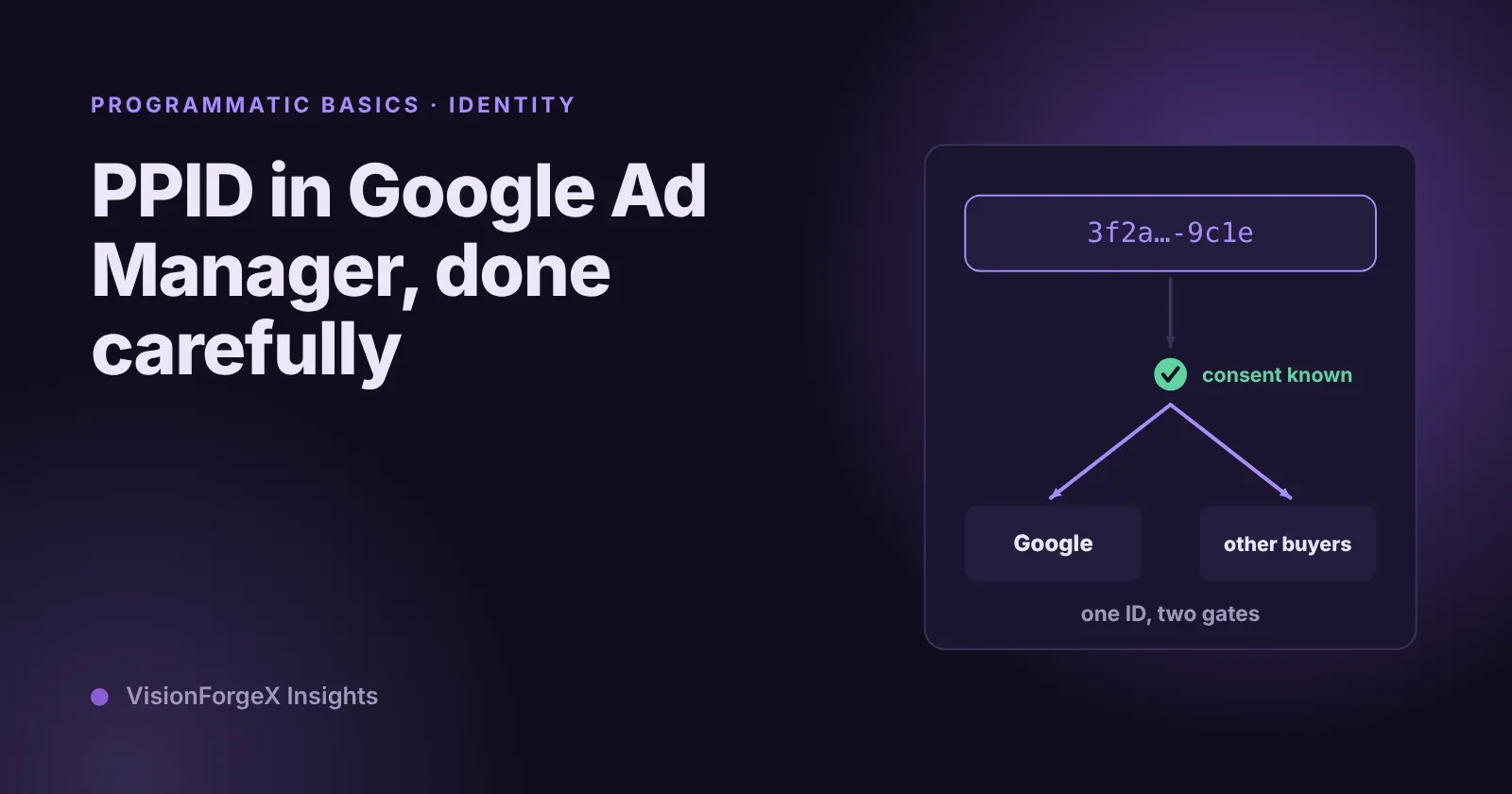
The publisher provided identifier lets you send Google your own ID for a reader, so frequency caps and audiences work without third-party cookies. What Google requires, who sees it, the consent rules we follow, and code that sets it only when it should.