How to block bad ads in Google Ad Manager and find the one you saw
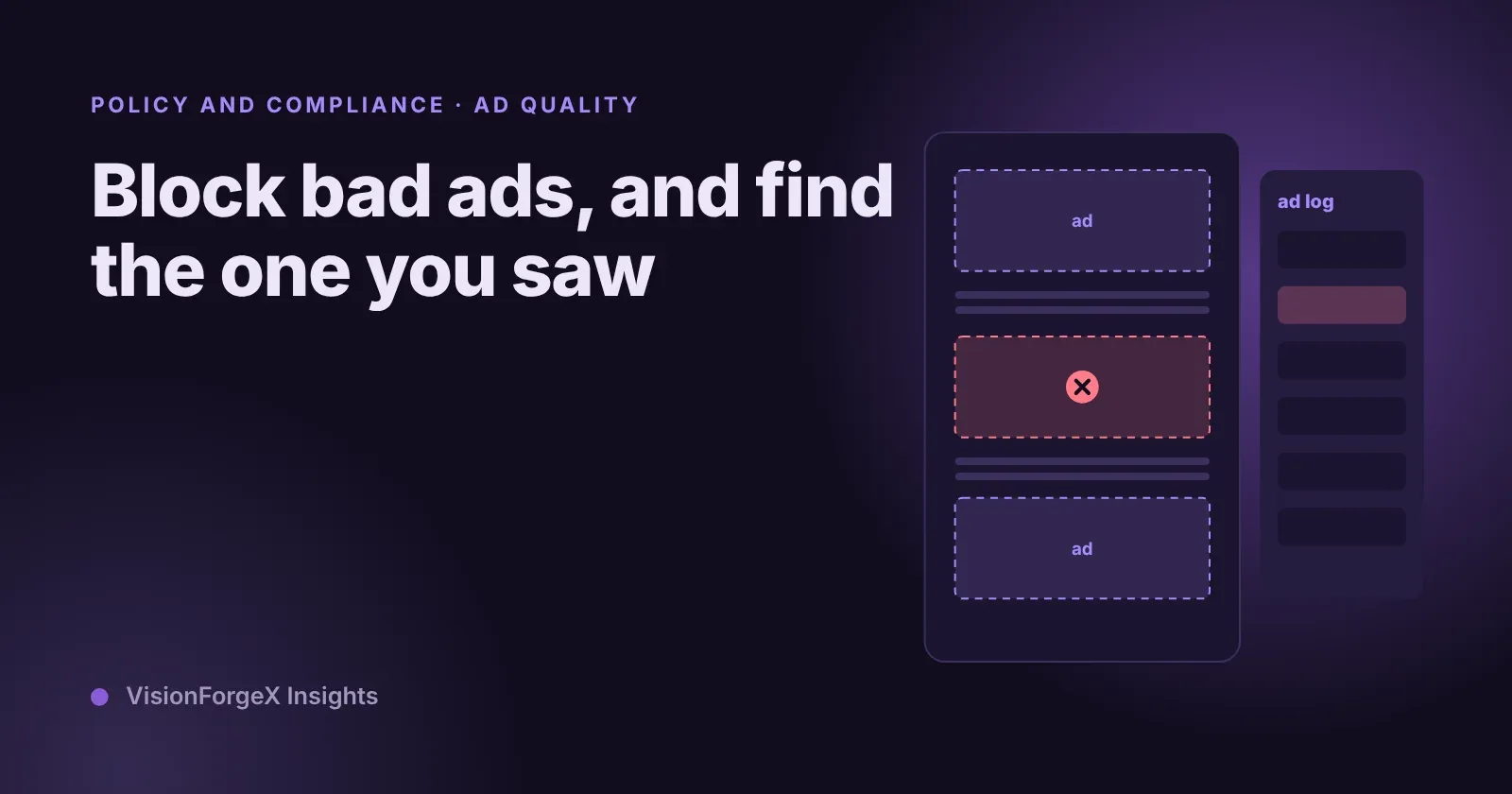
A reader sends a screenshot of an ad you would never allow. How to find which ad it was, what Ad Manager's Ad review center and Protections can block, why some blocks miss, and a small script that records what ran in each slot.
On this page
- What we saw
- Find the ad first
- The code: a log of what ran
- How to block it
- Mistakes we see
- How VisionForgeX handles this
- Frequently asked questions
- How do I find which ad appeared on my site?
- How do I block a specific ad in Google Ad Manager?
- Why does a blocked advertiser still appear?
- Does blocking ads reduce revenue?
- How do I stop ads that redirect the page?
To block bad ads in Google Ad Manager, first find out which ad it was, then block it in the right place: the Ad review center for an Ad Exchange ad, a Protection for an advertiser, a category or a destination across your network, or your own line item settings for ads you sold yourself. Most failed blocks fail at the first step, because a screenshot from a reader does not say which advertiser or creative it was. Recording what ran in each slot fixes that.
This guide covers how to identify an ad, what each blocking tool can and cannot do, why a block sometimes misses, and a script that keeps a log of every ad your page showed. It is for publishers who manage their own Ad Manager network.
What we saw
We built bad-ad protection into our tag in November 2026, and the first thing it had to do was the boring part: write down what ran.
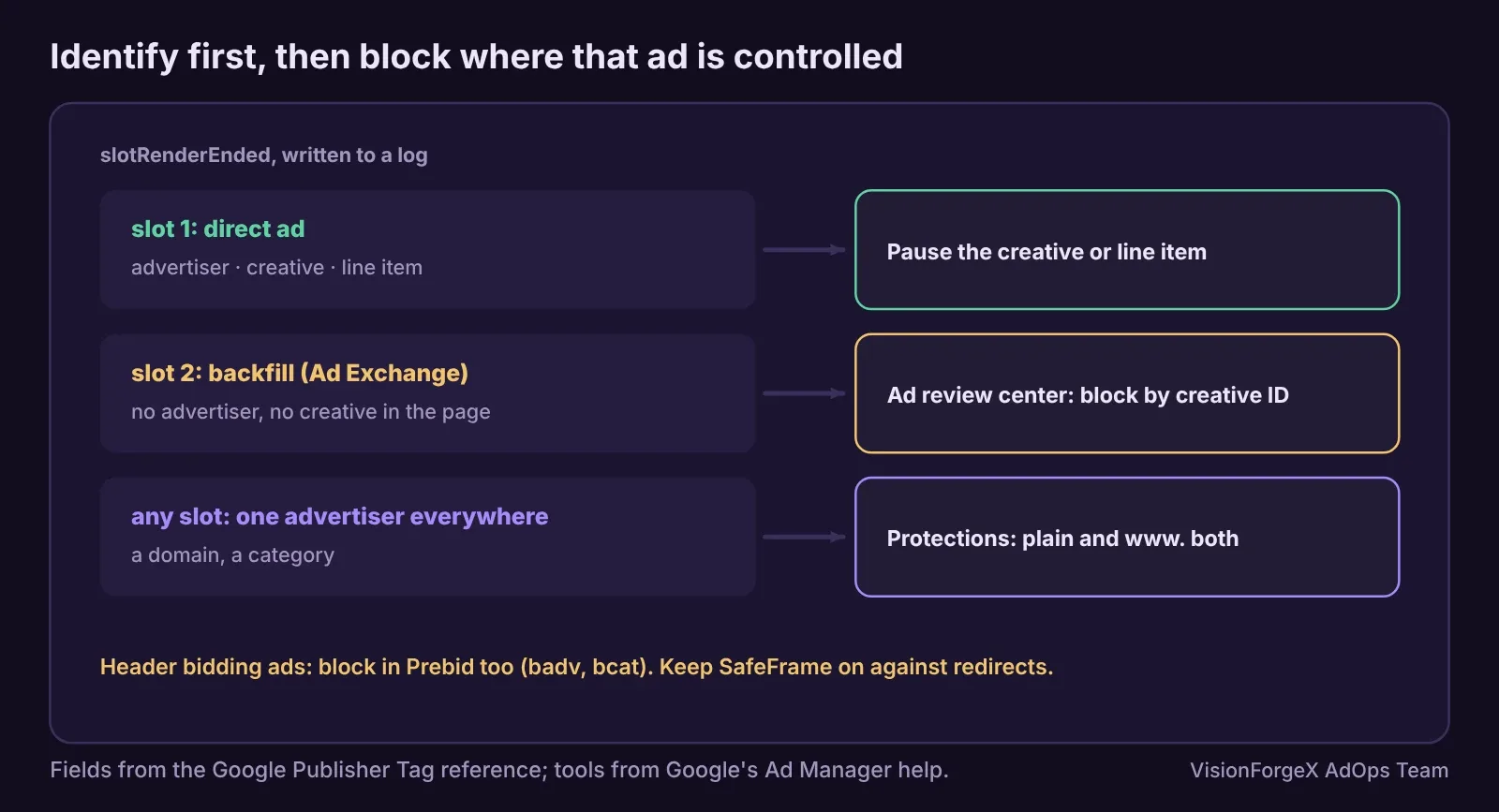
What Google tells the page, and what it does not. For every ad in our slots, the tag records what Google's render event gives. For an ad from one of the network's own line items, that is the advertiser, the creative and the line item. For an Ad Exchange ad, it is none of those: Google does not name its buyers in the page. So the same log that identifies a direct campaign in one line says only "backfill" for an Ad Exchange ad, and you go to the Ad review center for those.
Protections have no API. We wanted the platform's blocked advertiser list to reach each network's Protections automatically. Ad Manager offers no API for Protections, so our page produces a paste list instead, with every domain in both its plain and www. form, because Google's troubleshooting page says a URL block needs both.
A blocked advertiser that keeps coming back is a signal. Our platform raises an alert when a blocked advertiser is stopped 20 times or more in a day on one site. Usually it means a block is missing somewhere upstream, in Ad Manager or with a partner, and the fix belongs there.
Find the ad first
Google's tag fires slotRenderEnded for every slot after an ad renders. The Google Publisher Tag reference lists what the event carries:
| Field | Your own line items | Backfill (such as Ad Exchange) |
|---|---|---|
advertiserId, creativeId, lineItemId | Filled | null |
isBackfill | false | true |
companyIds, yieldGroupIds | null | The companies that bid, the yield groups |
sourceAgnosticCreativeId, sourceAgnosticLineItemId | Filled | Filled for line item backfill, otherwise null |
size, isEmpty | The size shown, whether an ad came | The same |
So for an ad you sold, the page itself can tell you exactly which creative it was. For Ad Exchange, the page tells you it was backfill, which slot and size, and when; with that, the Ad review center is the place to look.
The code: a log of what ran
Paste this before your slots are displayed (or into the browser console on a page you are checking, then reload). It keeps a list of every ad shown, with the time and the IDs Google gives.
// Records every ad Google renders on this page, so a reader's screenshot can be matched to a creative.
window.adLog = [];
googletag.cmd.push(() => {
  googletag.pubads().addEventListener('slotRenderEnded', (e) => {
    window.adLog.push({
      at: new Date().toISOString().slice(11, 19),
      slot: e.slot.getSlotElementId(),
      empty: e.isEmpty,
      size: e.size ? e.size.join('x') : null,
      backfill: e.isBackfill,                       // true: an Ad Exchange or other backfill ad
      advertiser: e.advertiserId,                   // null for backfill
      creative: e.creativeId || e.sourceAgnosticCreativeId,
      lineItem: e.lineItemId || e.sourceAgnosticLineItemId,
      companies: e.companyIds                       // the companies that bid on a backfill ad
    });
  });
});
// Later, in the console: console.table(adLog)
How to check it worked: after the ads have loaded, console.table(adLog) shows one row per ad rendered, refreshed slots included. A row with an advertiser and creative points straight to a line item in Ad Manager; a backfill row tells you the slot, size and time to look for in the Ad review center.
We ran this snippet in a headless browser against a stand-in googletag firing render events for a direct ad, a backfill ad and an empty slot: each produced one row, the direct ad with its three IDs, the backfill ad with no advertiser and its company IDs, and the empty slot marked empty. We have not run it against live Google ads.
What it does not do: it does not block anything, and it does not see inside an ad's frame. It does not name Ad Exchange buyers, because Google does not give them to the page.
How to block it
An ad from your own line items. Pause or edit the line item or creative the log points to. This is the only case where the fix is fully in your hands at once.
An Ad Exchange ad. The Ad review center lists Ad Exchange ads that served on your inventory. Ads are blocked by creative ID (variations with the same ID go with it), changes can take up to 24 hours, and "Block and report" sends an ad that may break Google's policies for review. To block every ad from one advertiser, create a Protection from the ad's details. Google's own page advises blocking sparingly, because every ad you allow adds competition in the auction.
An advertiser, a category or a destination everywhere. Protections block advertisers and brands, general and sensitive categories and advertiser URLs across the network, and control which ad technologies are allowed. Rules add up, so traffic can be limited by several at once. For URLs, add both the www. and the plain domain.
Header bidding partners. A header bidding ad usually reaches Ad Manager as the creative of one of your own line items, so Ad Manager does not see which advertiser is really behind it. Block the same advertisers in your Prebid configuration too: Prebid passes blocked advertisers and categories to bidders as badv and bcat.
Mistakes we see
- Blocking from a screenshot alone. Without the creative or advertiser, you block the wrong thing or nothing. Log first.
- One URL form.
example.comandwww.example.comare two entries. - A block in a different network. Google's troubleshooting page reminds you to check that the ad units on the page belong to the network where you set the block. With Google MCM, check which network served the ad.
- Blocking whole categories after one bad ad. Every category you block removes buyers from every impression. Block the creative or the advertiser first.
- Turning off SafeFrame to make a creative work. Ads in a sandboxed frame cannot move the page by themselves, which is what stops most redirect ads. Keep it on.
- Expecting an instant result. Ad review center changes can take a day. Recheck your log tomorrow, not in five minutes.
How VisionForgeX handles this
Bad-ad protection is a per-site switch in our tag: it records every ad shown in our slots and every one it stopped, applies the platform's and the site's blocked advertisers, categories and creatives to header bidding and our own exchange before a bid can win, shows partner ads in a sandboxed frame, and produces the paste list for your Ad Manager Protections. It never touches other tags' ads, and it cannot block an Ad Exchange ad inside Google's auction: that stays in your Ad review center. If a bad ad keeps getting through on your site, send us the time and the page and we will find it in the log.
Frequently asked questions
How do I find which ad appeared on my site?
Record Google's slotRenderEnded event for each slot. For your own line items it gives the advertiser, creative and line item IDs. For Ad Exchange ads it marks them as backfill, and you find the ad in the Ad review center.
How do I block a specific ad in Google Ad Manager?
For an Ad Exchange ad, block it by creative ID in the Ad review center. For an ad from your own line items, pause the creative or line item. To block an advertiser across the network, use Protections.
Why does a blocked advertiser still appear?
Common causes: only one form of the domain was blocked, the block was set in a different network, the ad came from a header bidding partner outside the block, or the change has not reached your pages yet.
Does blocking ads reduce revenue?
It can. Every block removes some buyers from the auction, and Google advises using ad blocking sparingly. Block the specific creative or advertiser rather than whole categories where you can.
How do I stop ads that redirect the page?
Keep Google's SafeFrame on, so ads render in a sandboxed frame that cannot move the page by itself, report the creative in the Ad review center, and show partners' ads in a sandboxed frame too.
 Policy, compliance and invalid traffic
ads.txt errors: how to read the file, fix mistakes and check it daily
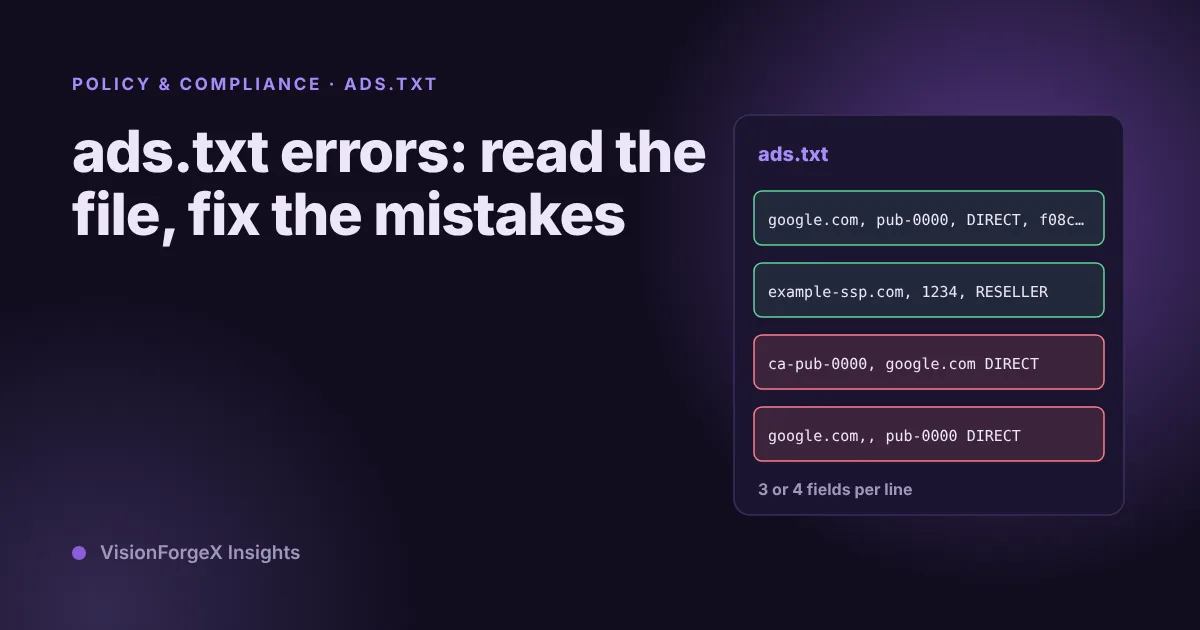
An ads.txt file is four fields per line and a few rules about where it lives. Most errors are small and silent. How to read one, the mistakes that break it, and a shell script that checks yours every day.
 Publisher growth
Web push notifications for publishers: build it, then prove it pays
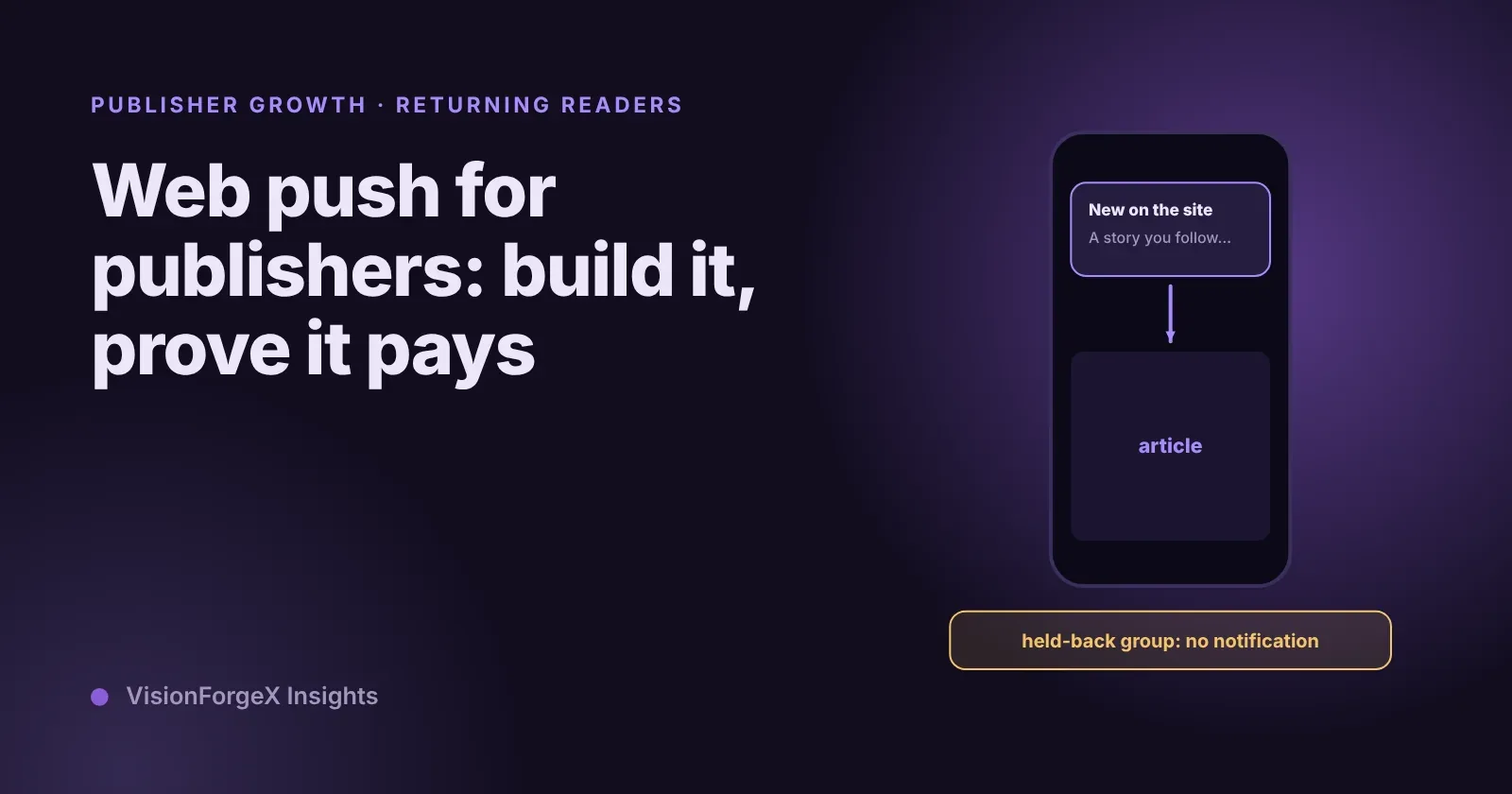
A web push notification brings a reader back when you publish, with no app and no e-mail address. How to ask at the right moment, a service worker that will not clash with your other tools, what iPhones allow, and how to prove the notifications earn anything.
 Ad formats and placements
Infinite scroll ads: adding the next article without breaking rules
When the next article loads below the one being read, its ads are new impressions on content the reader asked for. How Google treats them, how to place the new slots, what to do with the address bar, and two problems we found on a real site.