Web push notifications for publishers: build it, then prove it pays
A web push notification brings a reader back when you publish, with no app and no e-mail address. How to ask at the right moment, a service worker that will not clash with your other tools, what iPhones allow, and how to prove the notifications earn anything.
On this page
- What we saw
- How web push works
- The code
- Measuring whether it pays
- Mistakes we see
- How VisionForgeX handles this
- Frequently asked questions
- Do web push notifications work on iPhone?
- When should a site ask for push permission?
- Do I need a third-party service for web push?
- Why must every push show a notification?
- How do I know if push notifications bring extra visits?
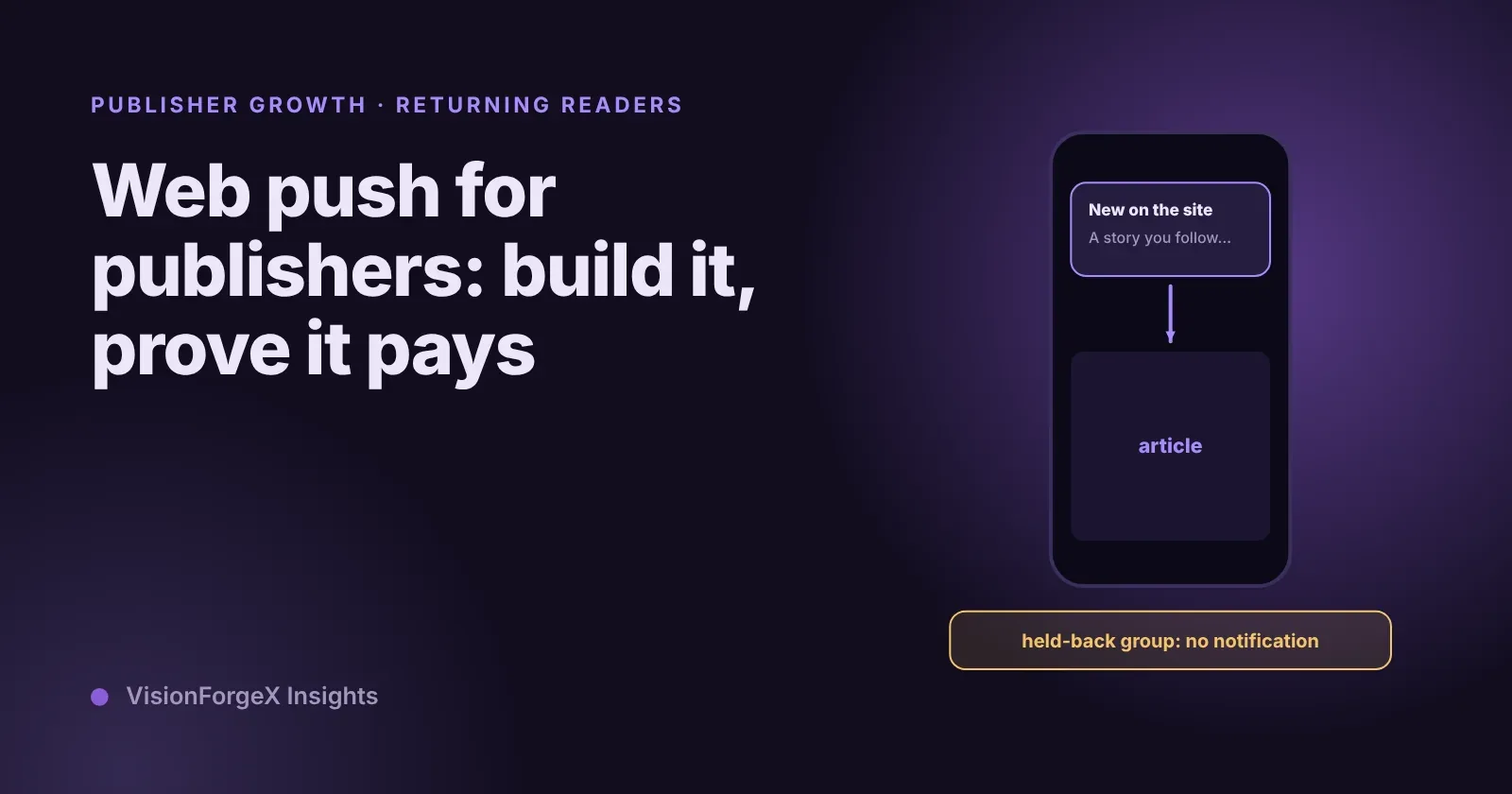
Web push notifications for publishers bring a reader back when you publish something new, without an app or an e-mail address: a reader who said yes once gets a notification on their phone or computer, and a tap opens the article. They are built from standard browser features, a service worker and the Push API, and they cost nothing per message beyond your own server. The hard parts are asking at a moment readers say yes to, and proving afterwards that the notifications brought visits that would not have happened anyway.
This guide covers when and how to ask, a service worker that will not clash with your other tools, what iPhones allow, and how to measure the result. It is for publishers who run their own site and want returning readers they do not have to buy.
What we saw
We built web push into our platform as Return Reader in November 2026. Most of the decisions were about not doing what makes readers hate push prompts.
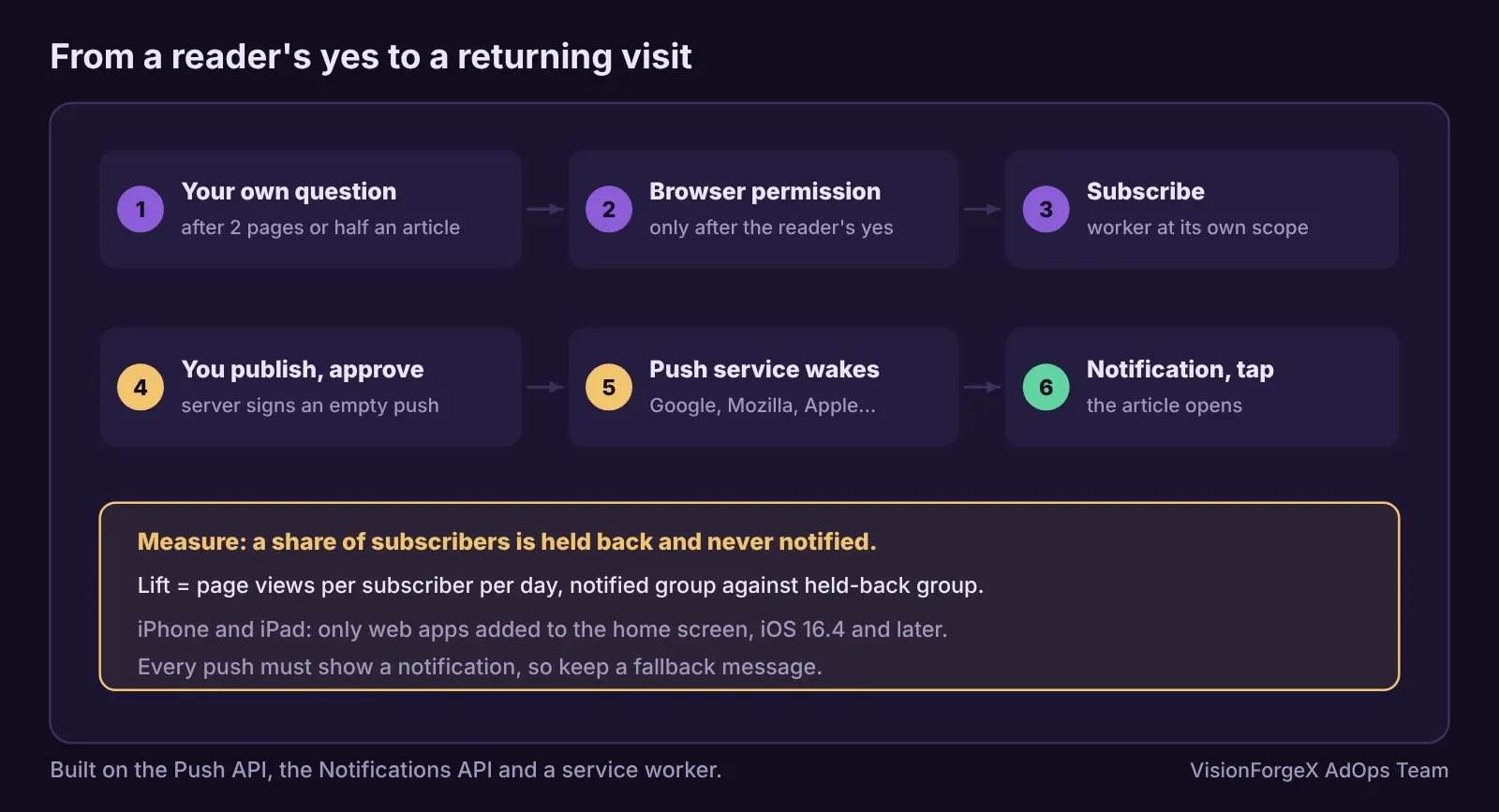
Our question first, the browser's second. The browser's permission prompt, once refused, is very hard for a reader to undo. So our tag never calls it on arrival. It shows a small bar in the site's own fonts and colours after the reader has read two pages, or half of an article and eight seconds, and only once. "Yes" opens the browser's prompt. "Not now" waits 14 days. "No thanks" waits 90.
Not on top of a consent banner. The bar waits while a consent banner is on screen, and never appears inside a frame, on a page without HTTPS, or in a browser without push support.
A worker that leaves others alone. Many sites already run a service worker, for a progressive web app or another push tool. Registering ours at the site's root would replace theirs. Ours lives at its own scope and has no fetch handler, so it never touches how pages load.
Approval before anything is sent. New articles are queued, and a person approves each one (or switches on automatic approval with limits). Articles that were already on the site when push was switched on are only noted, so a lost file can never send a flood of old posts.
A real test before real readers. On 7 Nov we added a button that subscribes the administrator's own browser and sends one real push through the same code path, so the first delivery anyone sees is their own.
How web push works
Three standard pieces work together, as MDN's Push API page describes:
- A service worker, a script the browser keeps for your site and can wake up even when no page of yours is open.
- A subscription, made by the worker's push manager after the reader grants permission. It contains an address at the browser maker's push service (Google, Mozilla, Apple or Microsoft) and keys.
- Your server sends a message to that address, signed with your VAPID key; the push service wakes the worker; the worker shows a notification.
On iPhone and iPad, WebKit's announcement of web push for iOS and iPadOS 16.4 is clear about the limit: web push works for web apps added to the home screen, and permission must be asked in response to a direct action, such as tapping a button. Readers in a normal Safari tab cannot subscribe. Plan your numbers around Android and desktop.
The code
The page side: ask the browser only after your own yes, register the worker at its own scope, subscribe, and send the subscription to your server.
// Called from the click handler of your own "Yes, notify me" button, never on page load.
async function subscribeToPush(vapidPublicKey) {
  if (!('serviceWorker' in navigator) || !('PushManager' in window)) return 'unsupported';
  const permission = await Notification.requestPermission();   // the browser's own prompt, after the reader's yes
  if (permission !== 'granted') return permission;
  const reg = await navigator.serviceWorker.register('/push-sw.js', { scope: '/push/' });  // its own scope
  const sub = await reg.pushManager.subscribe({
    userVisibleOnly: true,                       // every push will show a notification
    applicationServerKey: vapidPublicKey          // your VAPID public key
  });
  await fetch('/push-subscribe', { method: 'POST', headers: { 'Content-Type': 'application/json' }, body: JSON.stringify(sub) });
  return 'subscribed';
}
The worker side, in /push-sw.js: it fetches the message when a push arrives (so the push itself can be empty and nothing readable passes through the push service), shows it, and opens the article on a tap.
// /push-sw.js: an empty push wakes it; it asks your server what to show.
self.addEventListener('push', (event) => {
  event.waitUntil((async () => {
    let m = null;
    try { m = await (await fetch('/push-message')).json(); } catch (e) { m = null; }
    if (!m || !m.title) m = { title: 'New on our site', body: '', url: '/' };   // a notification must always appear
    await self.registration.showNotification(m.title, { body: m.body, icon: m.icon, data: { url: m.url } });
  })());
});
self.addEventListener('notificationclick', (event) => {
  event.notification.close();
  event.waitUntil(clients.openWindow(event.notification.data.url));
});
Your server needs a VAPID key pair and a library or code to sign and send pushes; the subscription's endpoint must be on a known push service, never an address taken on trust. If a push service answers 404 or 410, the subscription is gone and should be deleted.
How to check it worked: in Chrome, open Developer Tools, Application, Service workers: the worker shows under its scope, and the Push button there sends a test push that should display your fallback notification. Subscribe your own browser first and send yourself a real one.
We ran both snippets in a headless browser against stand-ins for the permission prompt, the push manager, the server and the worker's self: nothing is registered when permission is refused, the worker is registered at its own scope, the subscription is posted to the server, a push shows the server's title, a failed fetch still shows the fallback, and a tap opens the article's address. We have not sent a push through a live browser push service in this test.
Measuring whether it pays
Subscribers are your most loyal readers; they would come back often anyway. Counting every visit that follows a notification credits push with visits it did not cause.
The fair measurement holds a share of subscribers back: they subscribed, but never get a notification. Split them by a stable hash of their subscription, so each one stays in the same group. Then compare page views per subscriber per day between the two groups. The difference is the lift. Our platform shows a lift only after 30 held-back subscribers and 100 of their page views, and marks the visits that came from a tap with a key-value, so what they earned can be read in Ad Manager. The same thinking, a group that does not get the change, is how we test floor prices and why revenue per visit is the number to judge it by.
Mistakes we see
- The browser's prompt on arrival. Most readers refuse, and refusing is hard to undo. Ask your own question first.
- A worker at the root scope. It can replace another tool's worker or your web app's. Give it its own scope.
- No fallback notification. A push that cannot fetch its message still has to show something.
- Sending every post. Readers unsubscribe. Approve, or limit the number a day, and keep quiet hours.
- Counting all subscriber visits as push visits. Hold a group back.
- Promising iPhone readers. Only home screen web apps on iOS 16.4 and later can receive web push.
How VisionForgeX handles this
Return Reader is a per-site switch in our platform: the question in the site's look and language, the worker at its own scope, empty signed pushes, approval before sending, quiet hours and daily limits, a held-back group and a measured lift, and visits from a tap marked for Ad Manager. It is off until a site switches it on, and it needs one small file on the site, which the set-up page explains. If you want it on your site, talk to us.
Frequently asked questions
Do web push notifications work on iPhone?
Only for sites added to the home screen as web apps, from iOS and iPadOS 16.4, according to WebKit's announcement. A reader in a normal Safari tab cannot subscribe.
When should a site ask for push permission?
After the reader has shown interest, such as reading a second page or half an article, and only after they tap a yes of yours. The browser's own prompt shown on arrival is usually refused.
Do I need a third-party service for web push?
No. Push uses standard browser features and the browser makers' free push services. You need a service worker, a VAPID key pair and a server that signs and sends the messages.
Why must every push show a notification?
Subscriptions are made with userVisibleOnly set to true, a promise that each push results in a visible notification. Plan a fallback message for when your server cannot be reached.
How do I know if push notifications bring extra visits?
Hold back a share of subscribers who never receive a notification and compare page views per subscriber per day between the groups. The difference is the lift.
Read next
More on Publisher growth →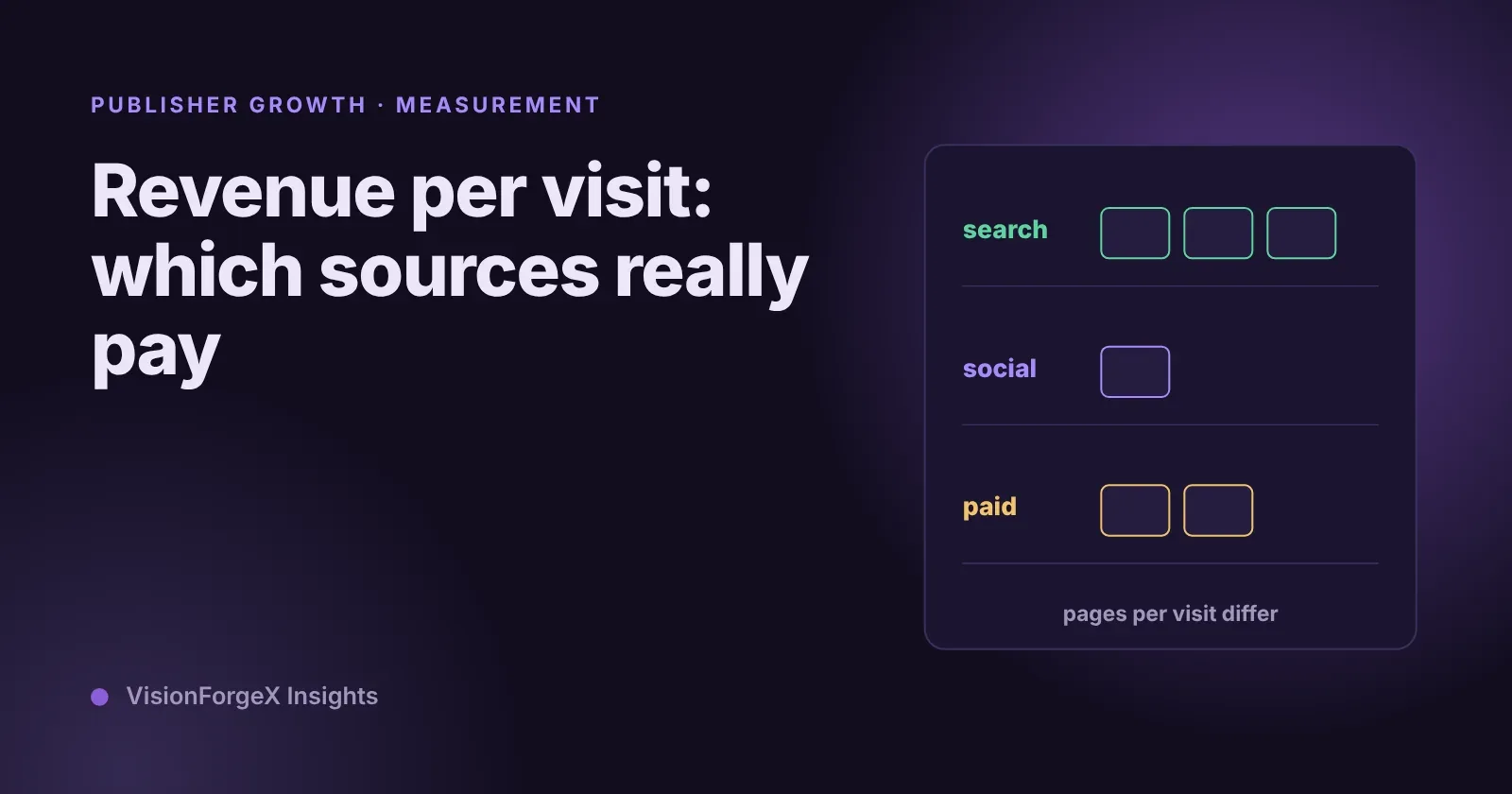 Publisher growth
Revenue per visit: which traffic sources really pay for themselves
Page RPM tells you what a page earns; revenue per visit tells you what a visitor from Facebook, search or a paid campaign earns across every page they read. How to measure it without inventing revenue, the counting mistake we made, and a script.
 Publisher growth
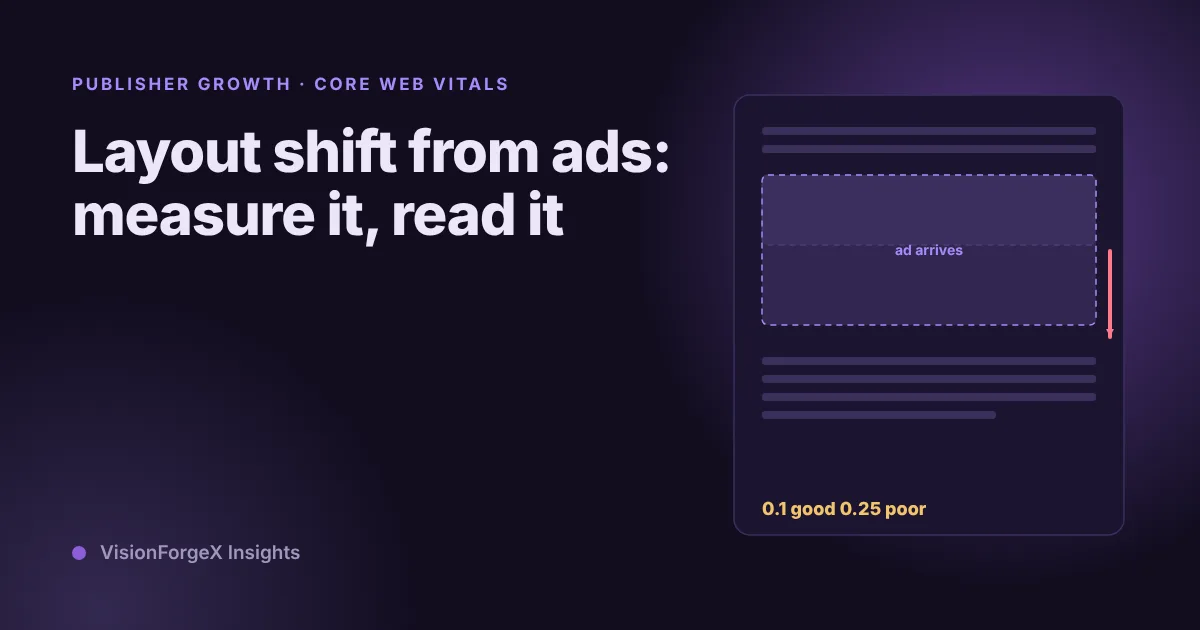
Layout shift from ads: how to measure it and read the number
Your page's layout shift score mixes everything that moved. This guide separates what the ads caused, shows a script that does it in your browser, and says what the number means.
 Yield and revenue optimization
How to test floor prices and read the result honestly
A floor change always seems to work if you read eCPM, and always seems to fail if you read fill. How to test floor prices properly, what Google's own experiments give you, how long to wait, and a small script that says when a result is real.